Limitless data exploration and discovery start now.
Start your free trial of Tableau

Create, edit, and share visualizations in the cloud.
Prepare, connect and manage your data anywhere.
Analyze in collaboration with your team.
Your Tableau Cloud trial includes Prep Builder, Data Management, and Tableau Pulse.
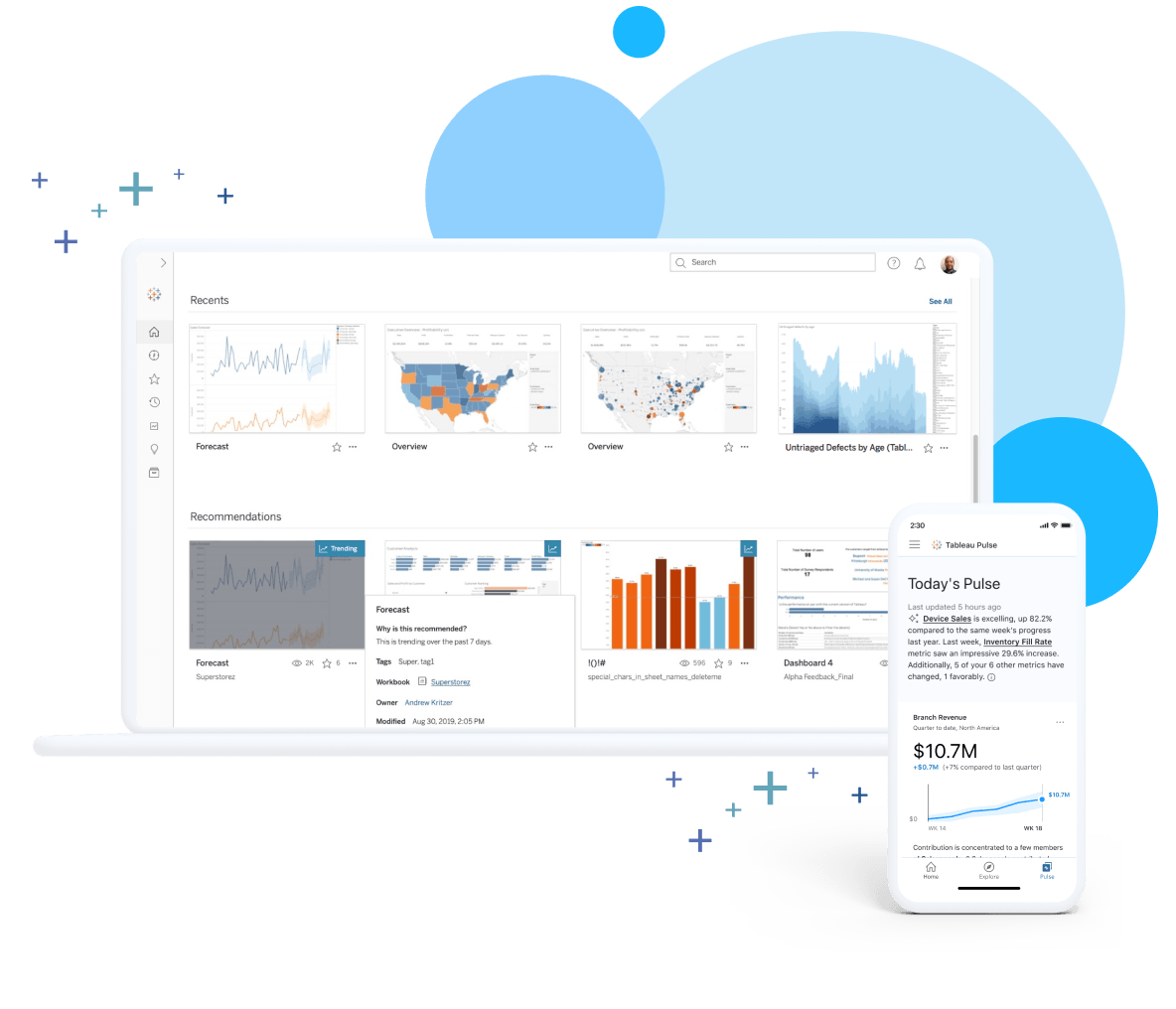
Create, edit, and share visualizations in the cloud.
Prepare, connect and manage your data anywhere.
Analyze in collaboration with your team.
Your Tableau Cloud trial includes Prep Builder, Data Management, and Tableau Pulse.
Click below to register your account and proceed to starting your trial.
*Your trial does not include access to Tableau Desktop. If you’re interested in trialing Tableau locally on your computer, consider trialing Tableau Desktop.
Even more ways to trial and explore the Tableau Platform

ANALYZE + DISCOVER
Tableau Desktop
Build powerful calculations, views, and dashboards locally on your computer.

PREPARE + ORGANIZE
Tableau Prep Builder
Combine, shape, and clean your data with accuracy and confidence.

DEPLOY + MANAGE
Tableau Server
Collaborate and share dashboards using your own on-premises servers.
Students and Teachers get 1 year of Tableau Desktop, Prep, and eLearning for free.
Trial and explore the Tableau Platform
ANALYZE + DISCOVER
Tableau Desktop
Build powerful calculations, views, and dashboards locally on your computer.
PREPARE + ORGANIZE
Tableau Prep Builder
Combine, shape, and clean your data with accuracy and confidence.
DEPLOY + MANAGE
Tableau Server
Collaborate and share dashboards using your own on-premises servers.
Students and Teachers get 1 year of Tableau Desktop, Prep, and eLearning for free.